|
1
|
- Mary M. LaMarca
- Mary.M.LaMarca@dartmouth.edu
Digital Library Services
- Dartmouth College Library
|
|
2
|
- Creation of Digital Library at Dartmouth in December 2002
- Replaces Dartmouth College Library website and outdated DCIS system
- DCIS listed about 450 resources
|
|
3
|
- Design working group charged with task of creating new Digital Library
at Dartmouth
- Fast turn-around time
|
|
4
|
- Redesign library web presence
- New site architecture
- Funding for collaboration with designer
- Replace DCIS
|
|
5
|
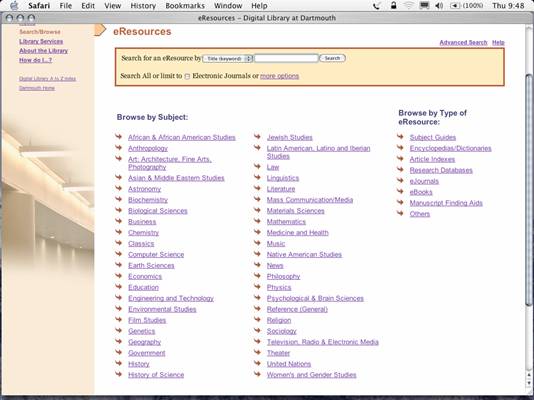
- New core service: eResources
- Create a digital directory of all web-based digital resources owned or
licensed by the library
|
|
6
|
- Data originates from the library catalog
- Web-based resources have been cataloged for years
- Add LC class numbers for ejournals
- Cataloging maintains all records
|
|
7
|
- Quick and easy access to all digital resources
- 24 x 7 access
- Access from anywhere on campus
- Market our electronic holdings
|
|
8
|
- Wrote functional specifications
- Designed administrative tool to allow bibliographers to select resources
for subject folders
- Subject areas defined by mapping LC classification into folders based on
college courses
|
|
9
|
- Developed an Oracle database
- Wrote programs for export of catalog records from Innovative to Oracle
- Use of Oracle Intermedia for searching
|
|
10
|
- Content inventory
- Worked closely with professional designer
- XHTML - CSS - accessibility guidelines
- Performed user testing
|
|
11
|
- Working groups work finished with release in December 03
- Final Report with recommendations
|
|
12
|
|
|
13
|
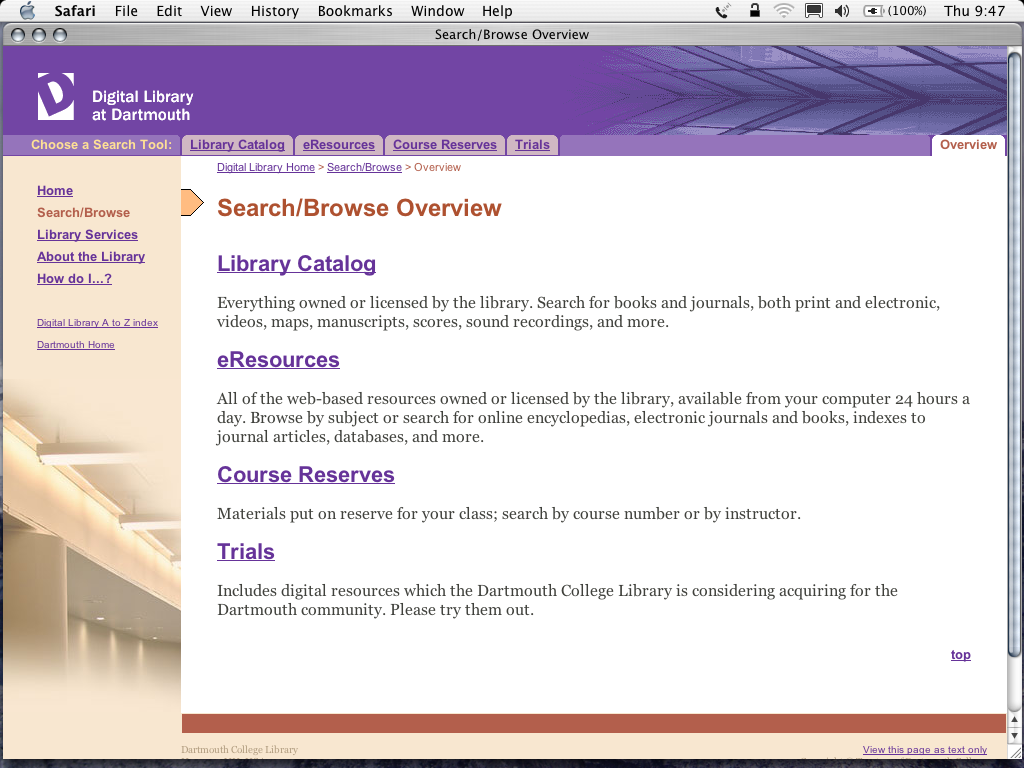
- Overview Tab
- Search documentation
- What are eResources? Explain
concept to users.
|
|
14
|
|
|
15
|
- Add link to re-execute a search in the library catalog
- Develop system to select specific subject folders for searching
- Integrate current awareness.
|
|
16
|
- Develop workflow for bibliographers to work with catalogers to populate
subject folders.
- Develop procedures for adding and editing records for subject guides.
- Develop procedures for adding and editing descriptions of electronic
resources.
|
|
17
|
- eResources working group formed to continue development of product.
|
|
18
|
- Distinguish between free resources and licensed resources
- This enables non-Dartmouth users to use eResources
- Icon developed for Dartmouth Only
- Icon developed to get more information
|
|
19
|
|
|
20
|
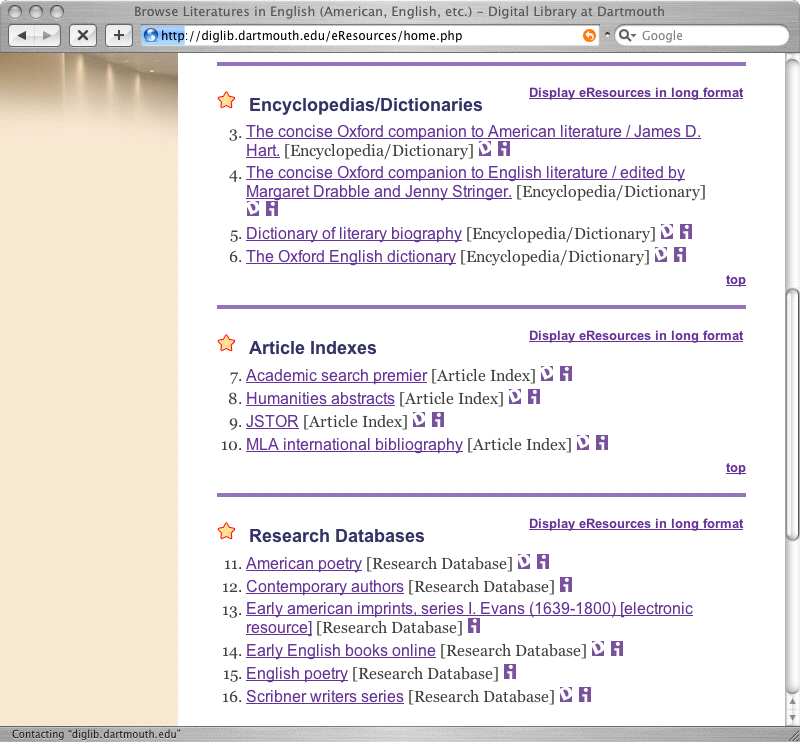
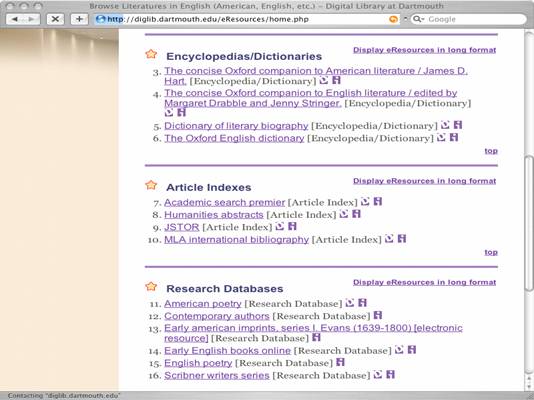
- Consulted with bibliographers on ordering
Subject guides
Encyclopedias/Dictionaries
Article Indexes
Research Databases
eJournals
eBooks
|
|
21
|
- Some user confusion
- What is the difference between a research database and an
index/abstract?
|
|
22
|
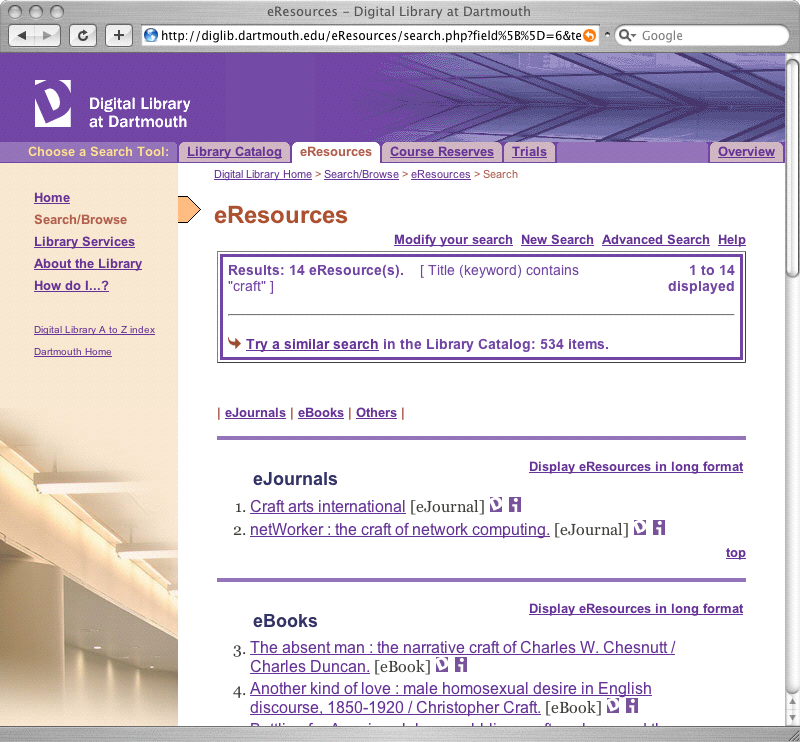
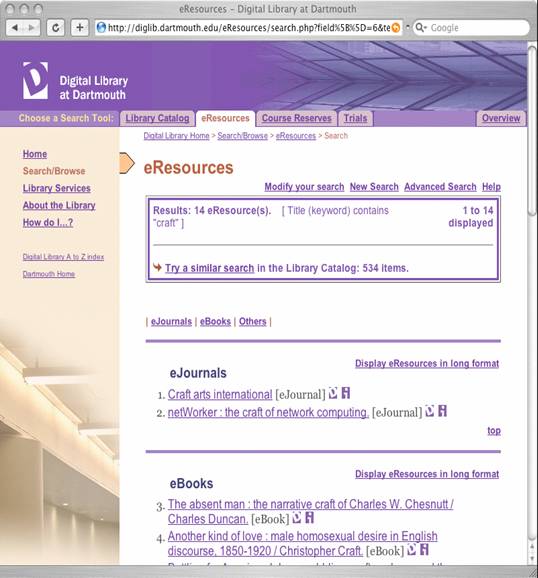
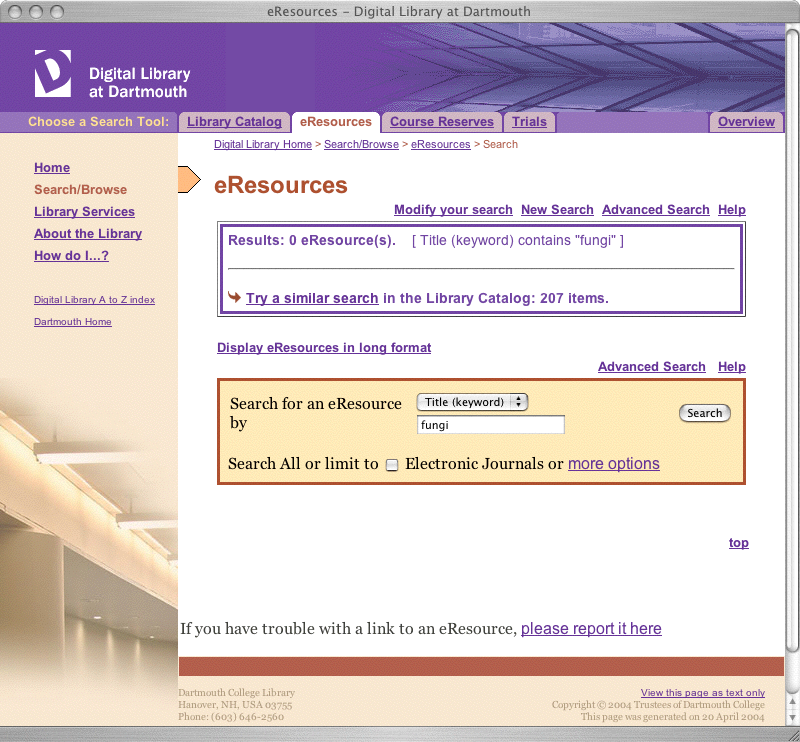
- Integrated a search of the library catalog into the results screen so
users are aware that library owns more than just eResources
|
|
23
|
|
|
24
|
- Wording reworked on both search and result screens.
- Placement of subject folders vs. material type changed.
|
|
25
|
- Bibliographers immediately identified a need to distinguish between
critical resources, important resources, and related resources in a
subject area.
|
|
26
|
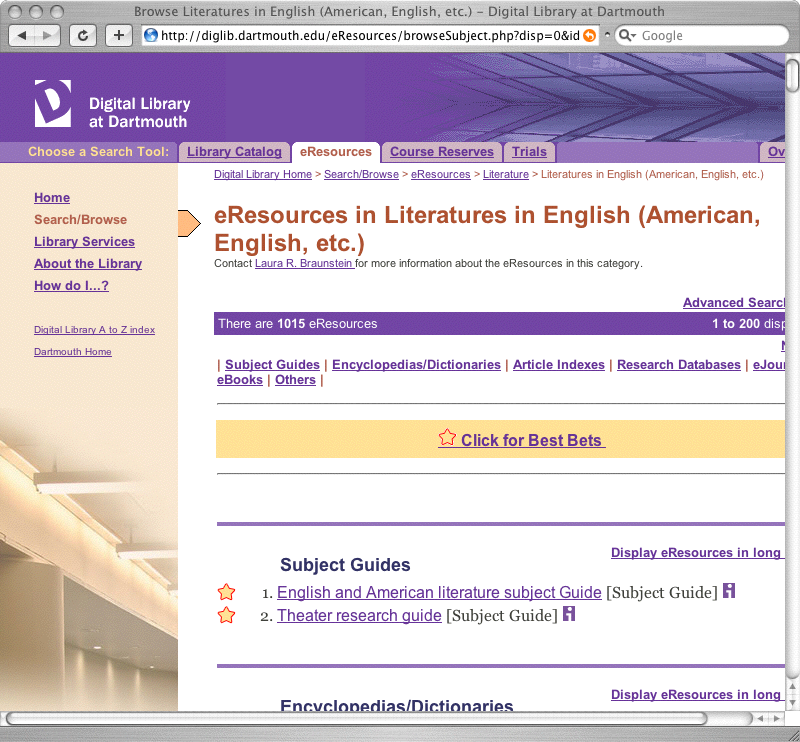
- Best Bets implemented as a temporary solution.
- Allows a bibliographer to select the critical resources within a subject
area.
- User can decide whether to view just Best Bets or all resources.
|
|
27
|
|
|
28
|
|
|
29
|
- User confusion over a subject folder
- Subject folders contain subject guides.
Subject guides are ‘pathfinders’ to a subject.
- Subject Guides contain both traditional and electronic sources.
- Subject folders only contain electronic resources.
|
|
30
|
- Added subject bibliographer and contact information to the top of a
subject folder.
|
|
31
|
- Confusion about what is being searched
- Looks too much like Google
- Limit to eJournals feature causes users to think they can search within
the full-text of a journal.
|
|
32
|
- Programmers added a template feature for result presentation.
- Changes to look of search results can now be made more easily
|
|
33
|
- Successful in marketing our many digital resources
- Bridge Tool
- Eventually Federated searching/Subject Portals may replace some
eResources features.
|
|
34
|
- Growing Rapidly
Feb 04 - approximately 36,000 eResources
By June 04 - more than 100,000 eResources
Evans records loaded into catalog
|
|
35
|
- ERM relationship
- Integration of license information
- Integration of current awareness information
|
|
36
|
- eBooks
- Overwhelms search results
- Should they appear at all?
|
|
37
|
- Trials Area
- Should databases we are testing appear in subject folders?
|
|
38
|
- Serial Solutions integration
- Allows for display of journal coverage
- Allows user to select desired provider
|
|
39
|
- Mary M. LaMarca
- Mary.M.LaMarca@dartmouth.edu
Digital Library Services
- Dartmouth College Library
|

 Notes
Notes