|
1
|
|
|
2
|
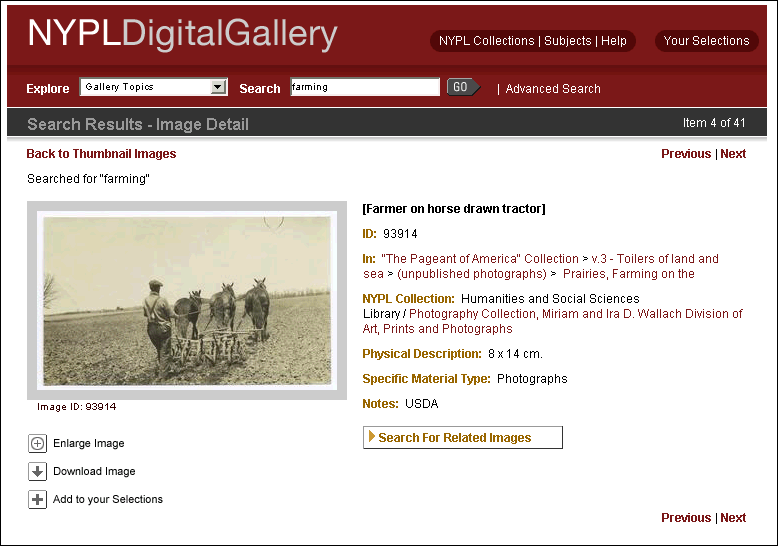
- NYPL Digital Gallery
- Project Background
- Content vs. Context
- Building the Public Interface
- Challenges and lessons
- Defining categories (apples or oranges) ?
- New I.A. directions
|
|
3
|
- New York Public Library images have historically been given
exhibition-level treatment online
- Single, distinct collections
- Curatorial oversight for images & descriptions
- Size = 150 to 8,000 images
- Web site(s) = stand-alone applications
|
|
4
|
- Ingest data from disparate Library collections
- Oracle database & in-house Digital Assets Mgt. System
- Metadata for 500,000+ images
- Image data & storage
- Input by Metadata, Imaging staff
- Legacy-data loaded from other sources
- Multiple terabytes of archival TIFF, JPG and GIF files
|
|
5
|
- Back-end interface
- Oracle, Cold Fusion application server
- Public interface
- Sun (UNIX) presentation server
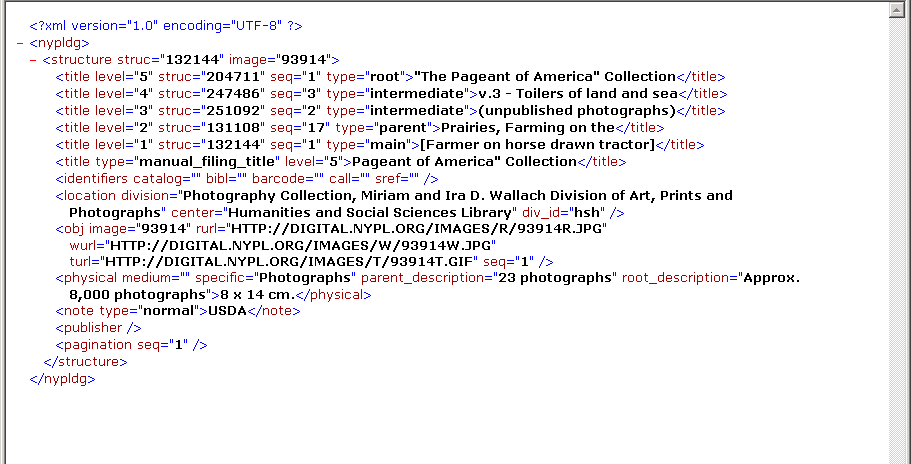
- Lucene (open source) search engine, XML data files
- CFMX custom tags, java, CFML for display
|
|
6
|
|
|
7
|
- Content can be accessed via:
- Descriptive Metadata
- Collection naming
- Categorization
- Randomly
|
|
8
|
|
|
9
|
|
|
10
|
|
|
11
|
|
|
12
|
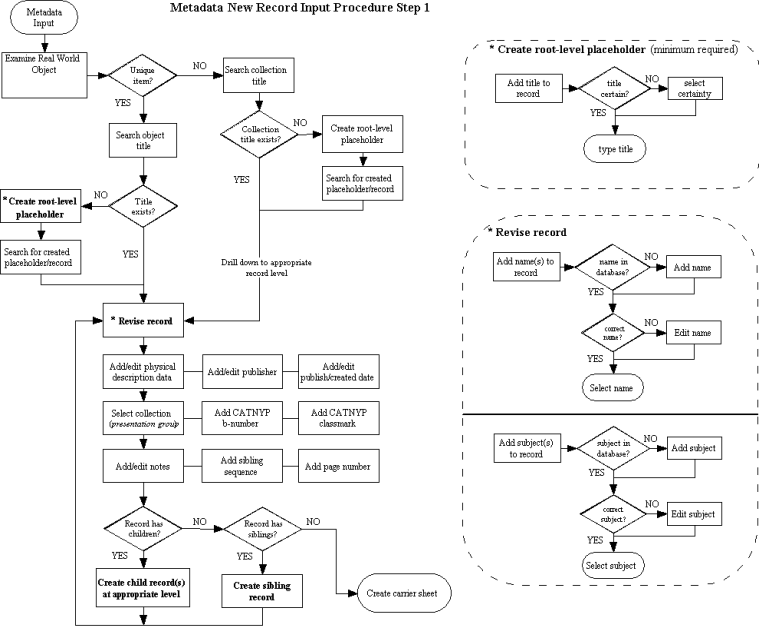
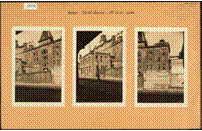
- “Photographic views of New York City, 1870's-1970's ”
- Over 50,000 images
- Flat structure, few levels
- Each directory holds thousands
of images
- Each record contains image(s)
- Artifact has verso
|
|
13
|
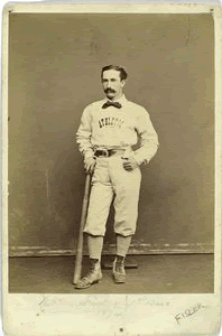
- “The A.G. Spalding Baseball Card Collection
- Less than 1,000 images
- Flat structure, no levels
- Subjects might be leveraged
for hierarchy?
- players, positions
- players, by teams
|
|
14
|
|
|
15
|
|
|
16
|
|
|
17
|
|
|
18
|
|
|
19
|
|
|
20
|
|
|
21
|
|
|
22
|
|
|
23
|
|
|
24
|
|
|
25
|
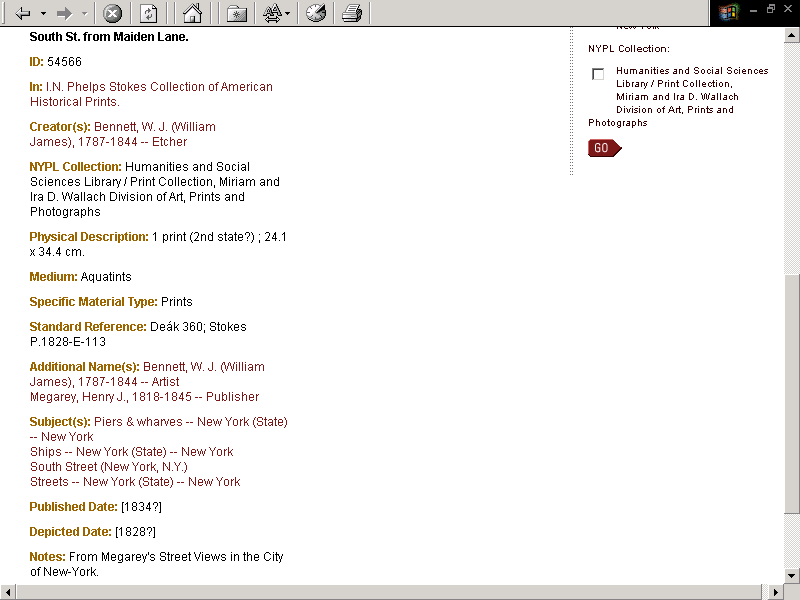
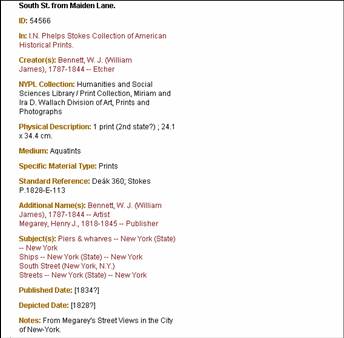
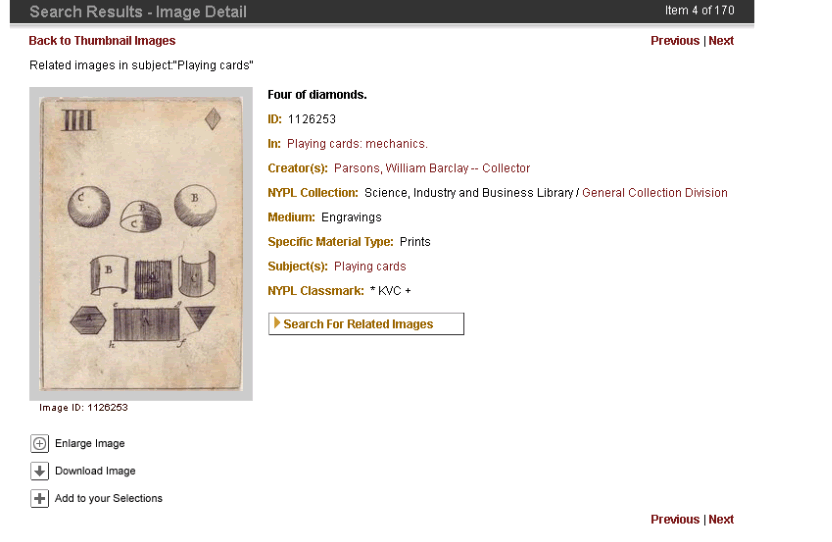
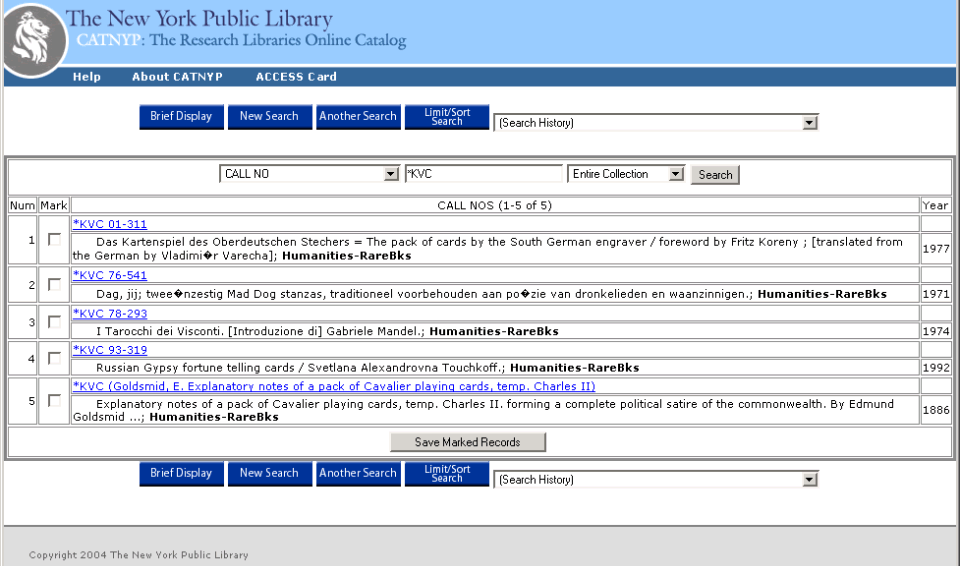
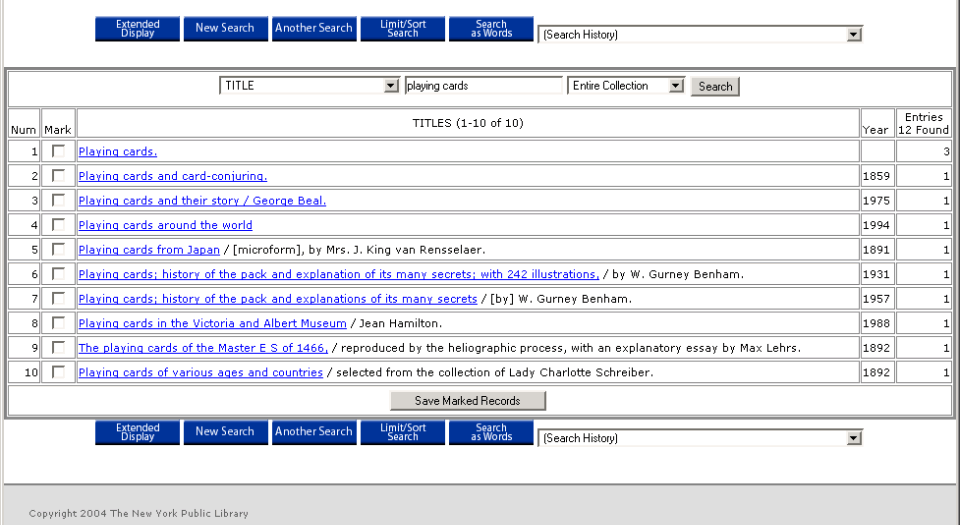
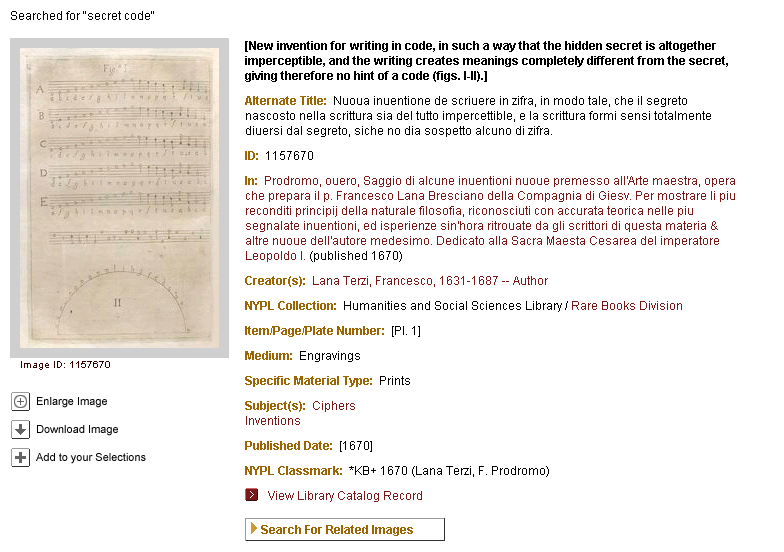
- In the previous example, a date or title is difficult to locate in the
NYPL Research Libraries’ catalog
- Title is not available in online NYPL Catalog
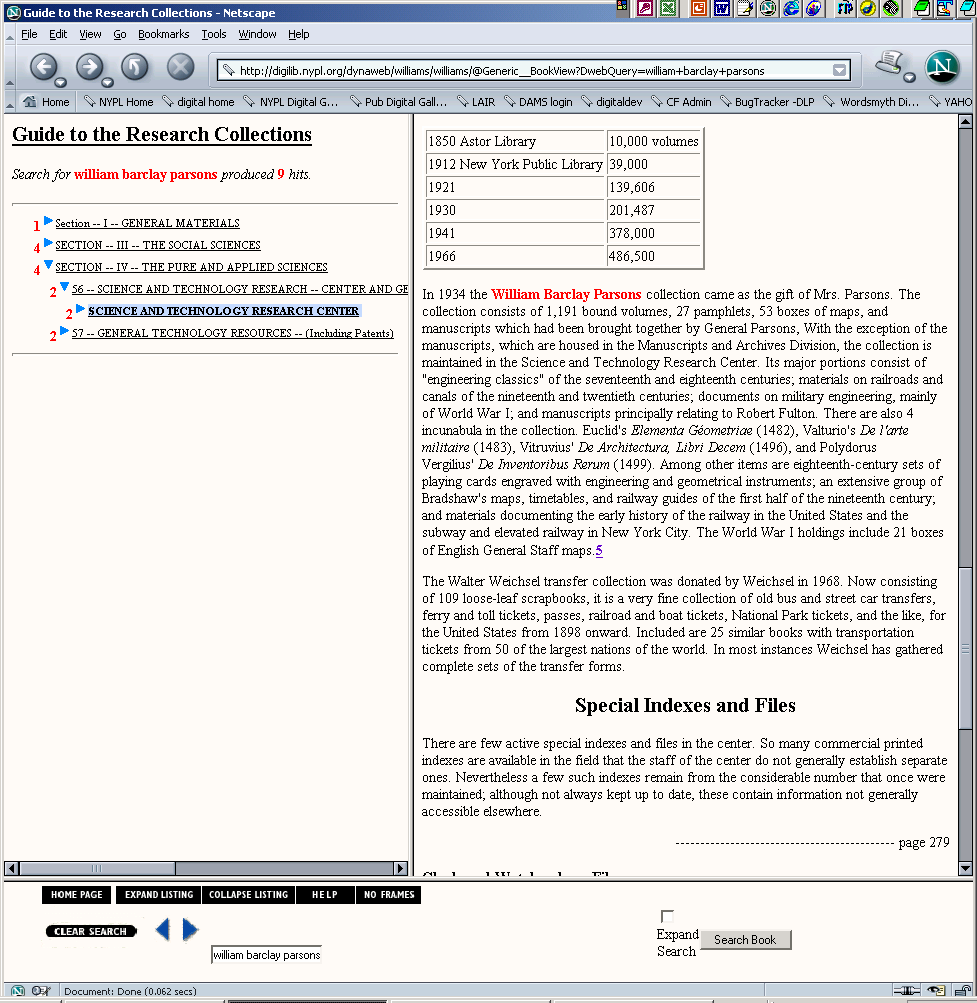
- 18th Century date for Playing Cards: Mechanics is mentioned in the Guide
to the Research Collections of the New York Public Library (published
1975)
- How do we link to this type of non-cataloged information from Digital
Gallery metadata, especially if it is not in a standard reference
format?
|
|
26
|
|
|
27
|
- Where we’ve been
- Several earlier iterations in previous development
- Challenges:
- data issues, software development framework(s)
- Version 4.x : Dumbing up or
down?
- simple = not necessarily elegant ?
- simpler = user-friendly ?
- more access paths = user confusion?
- better access paths = user confidence?
|
|
28
|
|
|
29
|
|
|
30
|
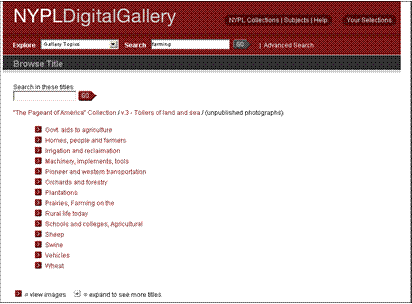
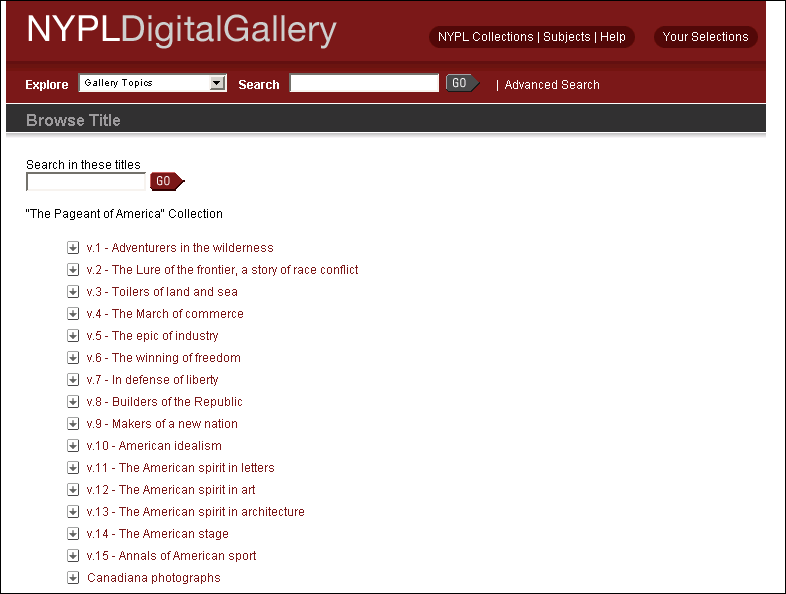
- Did not scale
- Necessitated endless revision of both content and labels
- Cognitive dissonance created by interface:
- when user clicked into a detail view or searched: the categories and titles in our data
were often different than our curated title lists
- Content not managed by data
|
|
31
|
|
|
32
|
- In winter 2003-04, RazorFish, Inc., consulted by DLP
- Needs:
- Improve look-and-feel of overall navigation and site functions within
the scope of existing back-end development (i.e. without re-writing our
software)
- Outcomes:
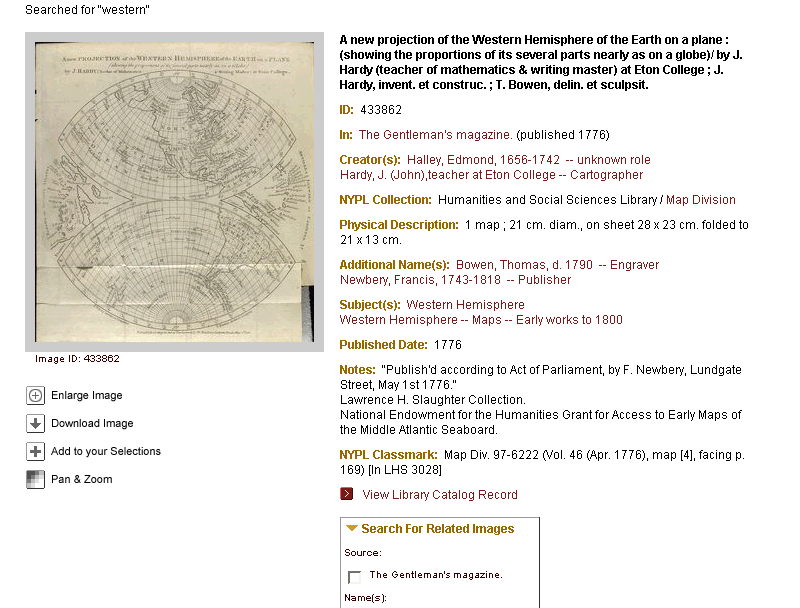
- New: ‘topics/collections’ paradigm
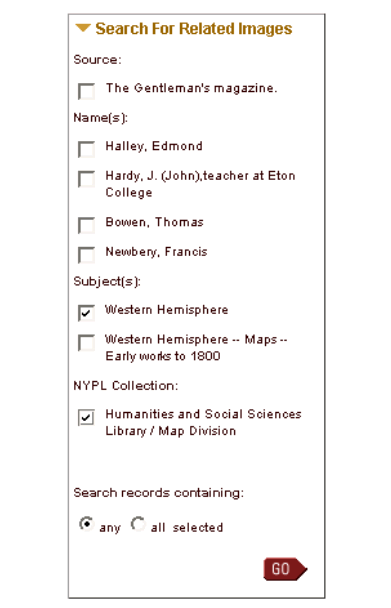
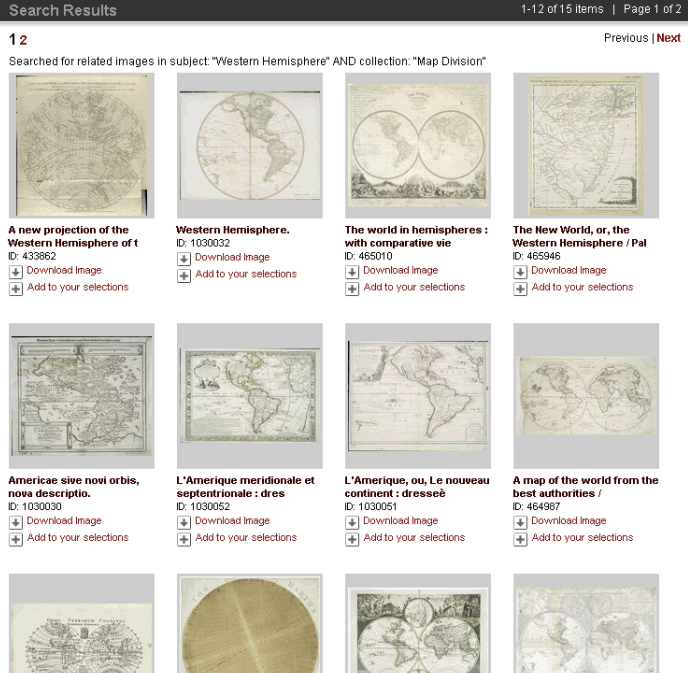
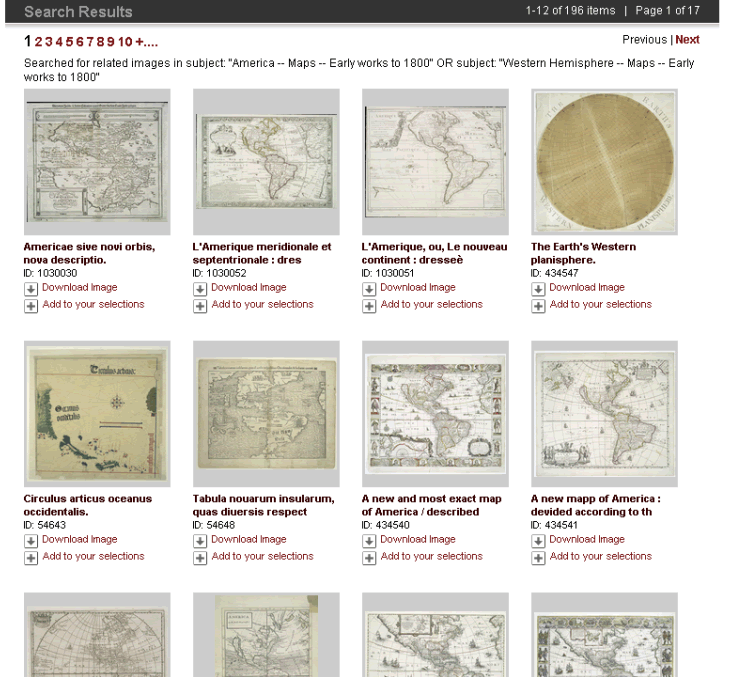
- New: ‘find related images’ widget
- Improved visual language for user calls-to-action
|
|
33
|
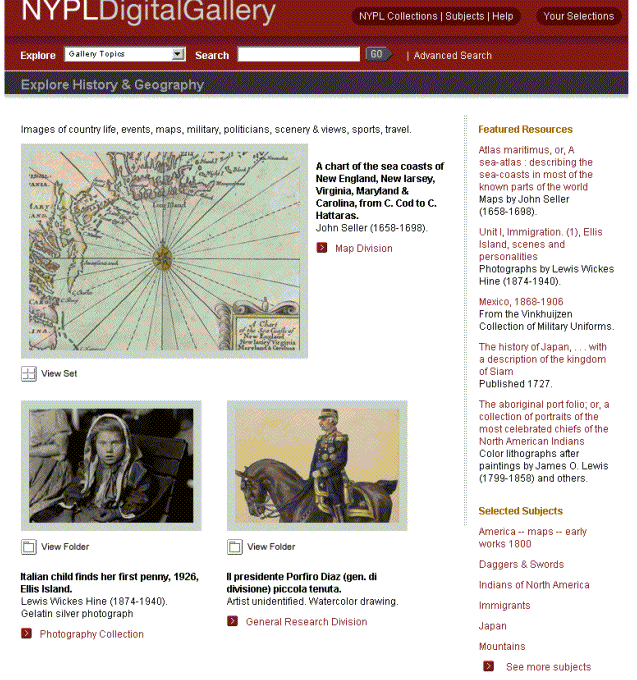
- “Explore Topics”
- Contain topical featured selections
- Selections are hand-curated vs. cataloged
- Topics represent several broad categories
(“big buckets”)
- Can feature topical searches or subjects
|
|
34
|
|
|
35
|
- Topics (or “big buckets”)
- Do not hold everything
- Virtually constructed container
- Are not exclusive: data can cross topics
- Only curated selections: “featured resources”
- Selected representation of online holdings
- Collections
- Do hold everything: a place for everything, and everything in ....
- Represent real-world objects
- User can scope search by collection
- Are exclusive (?)
- Comprehensive for online holdings
|
|
36
|
|
|
37
|
|
|
38
|
|
|
39
|
|
|
40
|
|
|
41
|
- When selecting images for user’s portfolio ...
|
|
42
|
- Portfolio selection is now highlighted.
|
|
43
|
- If problems exist in data, try to fix them in data
- It is difficult, if not impossible, to curate your way out of data
anomalies
- Rationalize look-and-feel of site
- Create visual language for
interface
- Simplicity is hard to do well
|
|
44
|
|
|
45
|
|
|
46
|
|

 Notes
Notes