|
1
|
- Scott Warren
- Librarian for the Physical and Mathematical Sciences
- Research and Information Services
- NCSU Libraries
|
|
2
|
- Poorly replicated in most online environments
- Access to collection subsets
- Lists are easy to use
- Takes the stacks to the remote patron
- Great for specialist exploring large collection
|
|
3
|
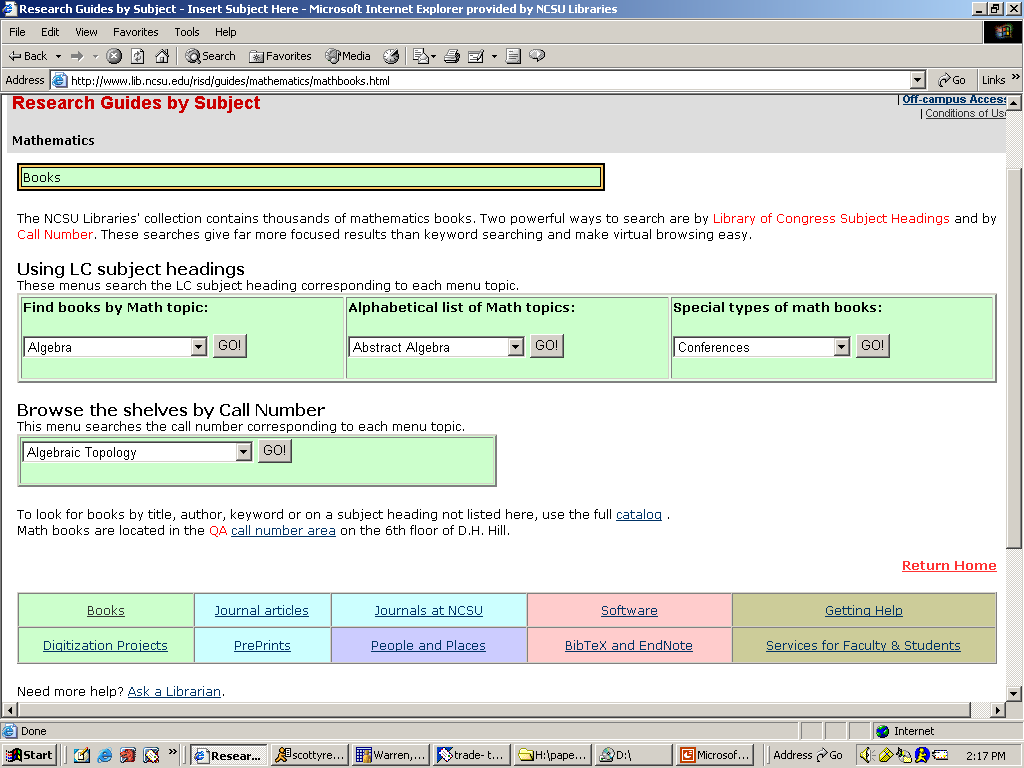
- Dynamic content
- Manually created, but not manually maintained
- Opens up print collection
- Uses power of LCSH and LC call numbers
- Easy editing/low maintenance for subject specialist
- Guarantees something relevant is found
|
|
4
|
|
|
5
|
|
|
6
|
|
|
7
|
|
|
8
|
|
|
9
|
|
|
10
|
|
|
11
|
|
|
12
|
|
|
13
|
|
|
14
|
|
|
15
|
|
|
16
|
|
|
17
|
|
|
18
|
|
|
19
|
|
|
20
|
|
|
21
|
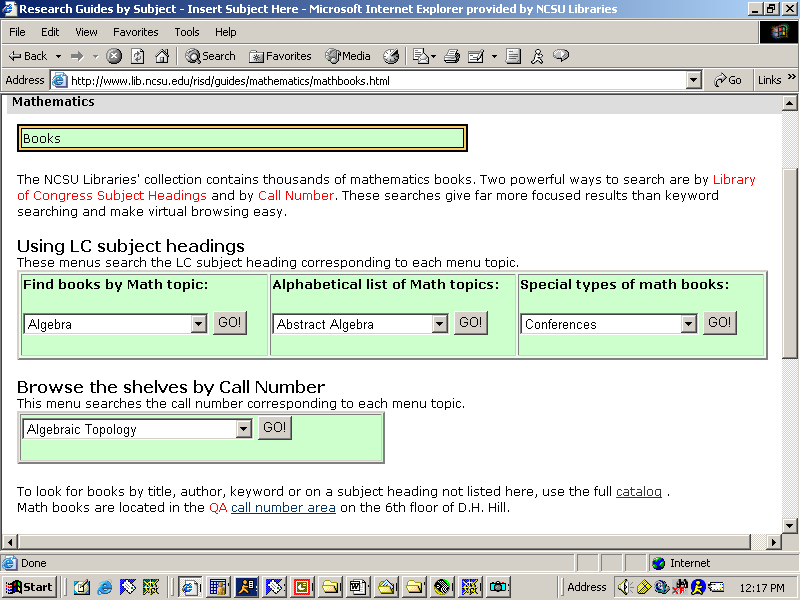
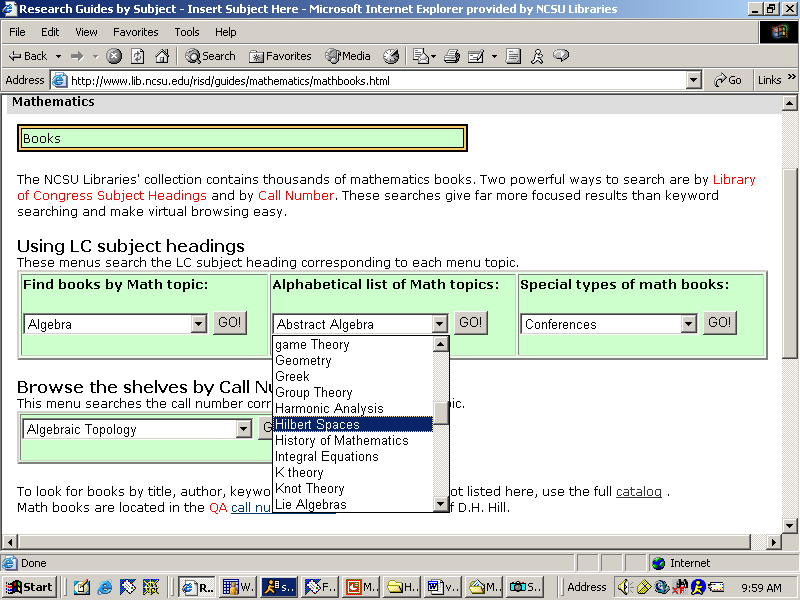
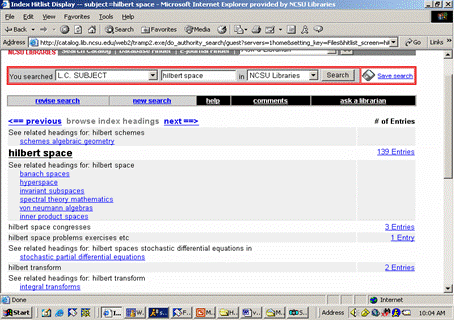
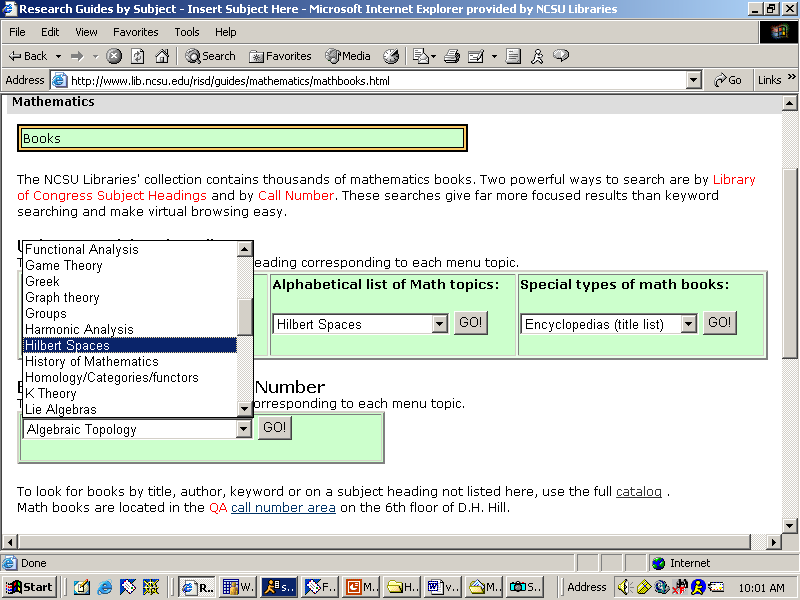
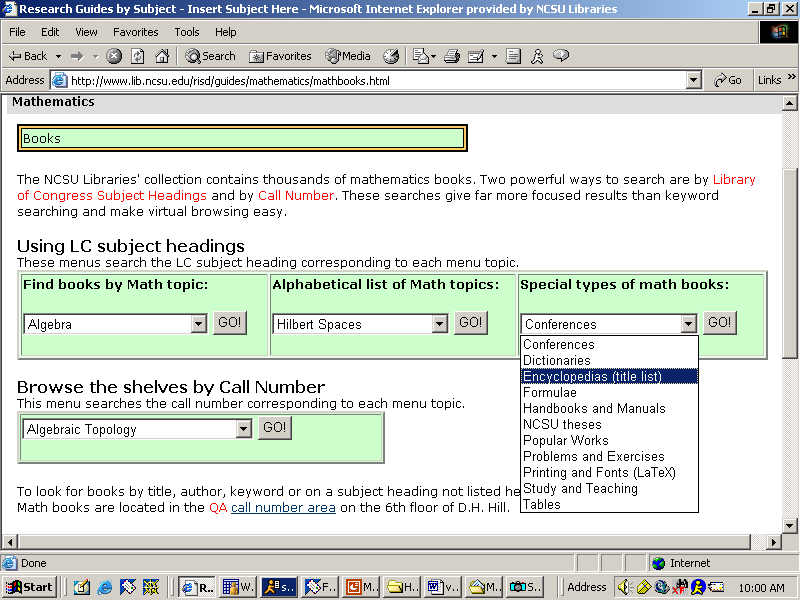
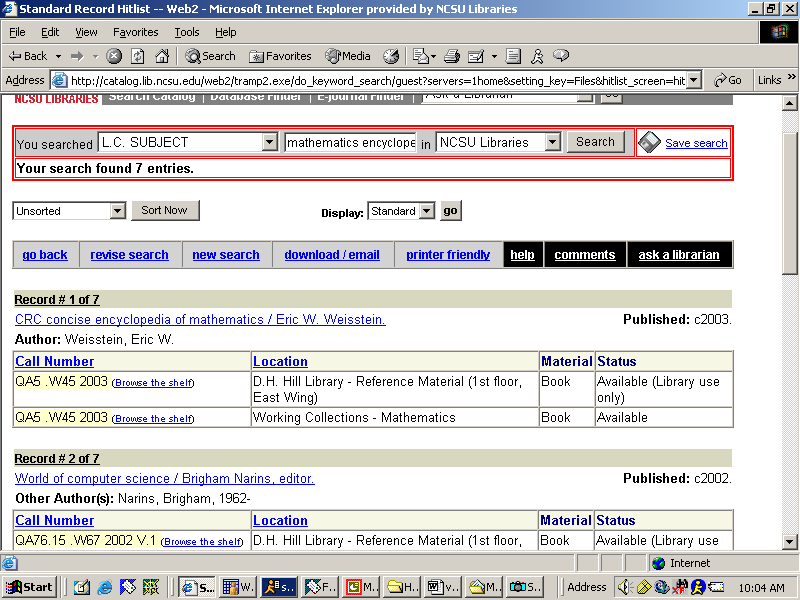
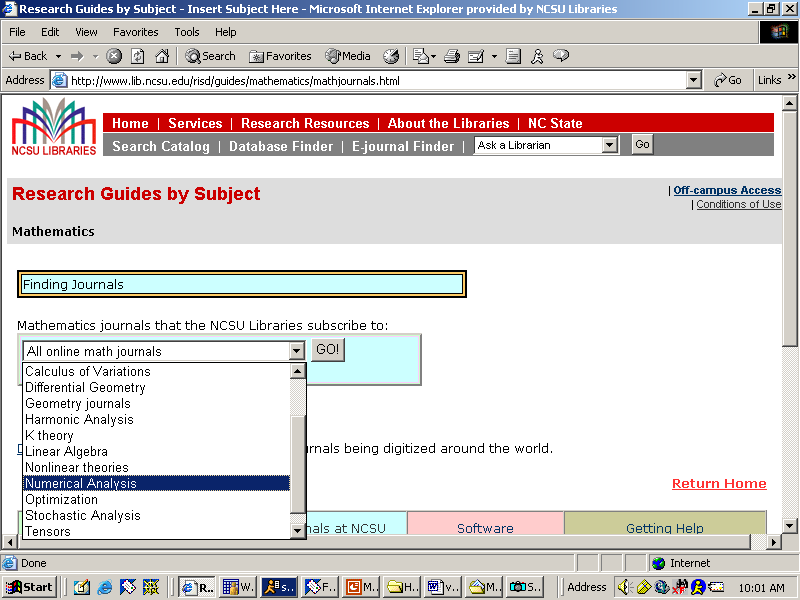
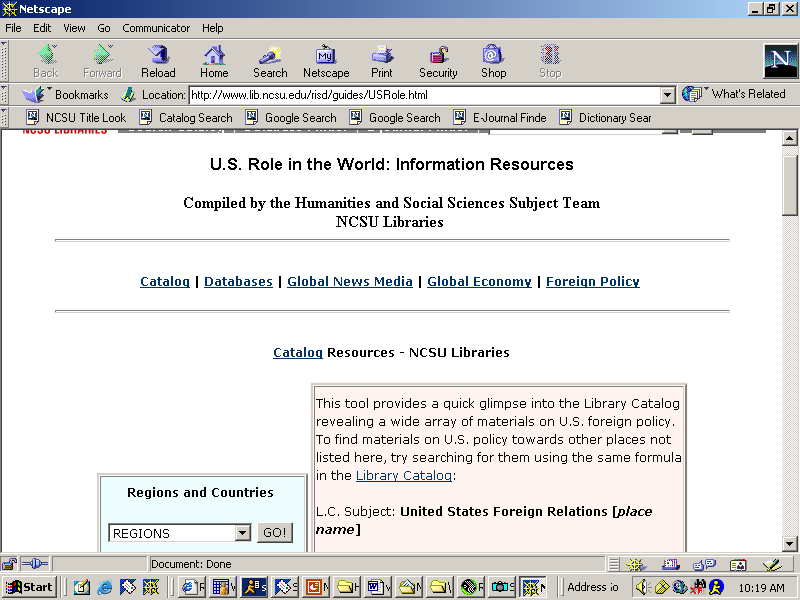
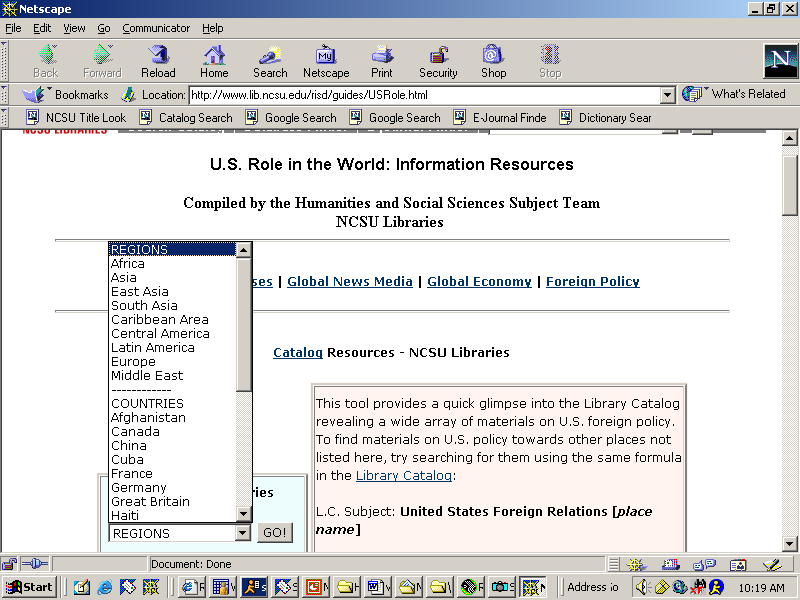
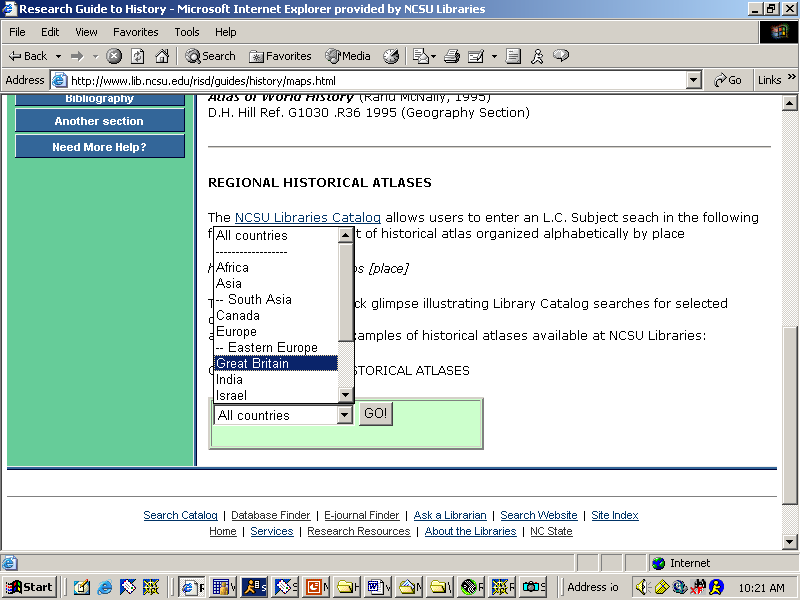
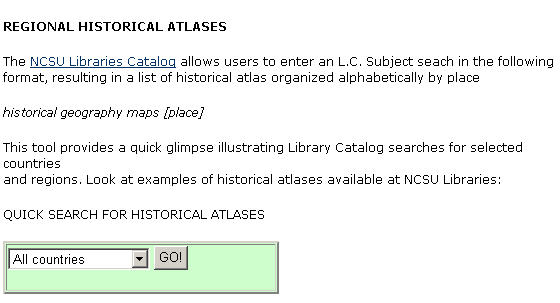
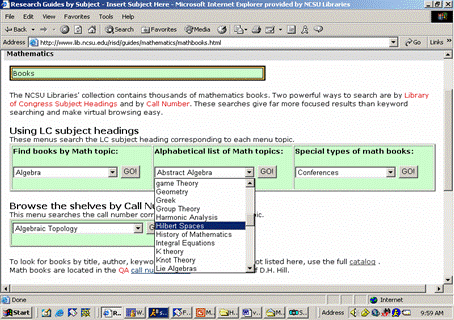
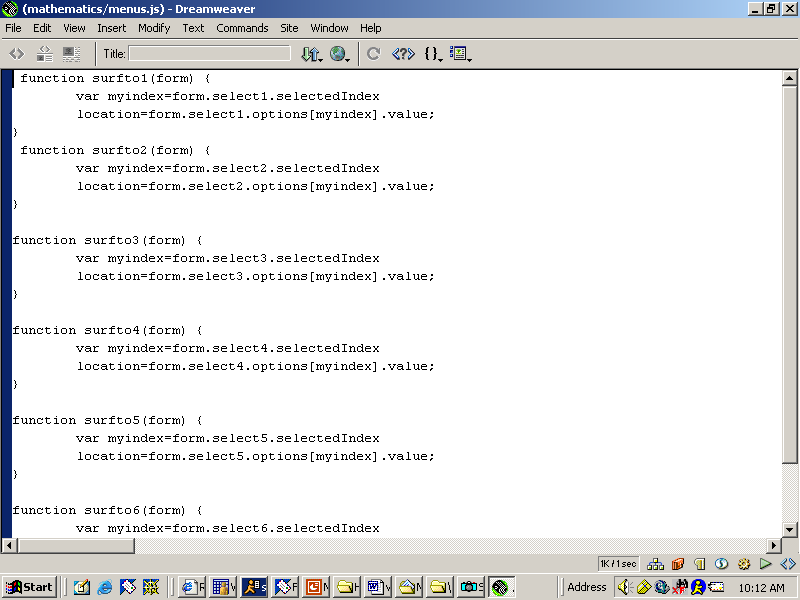
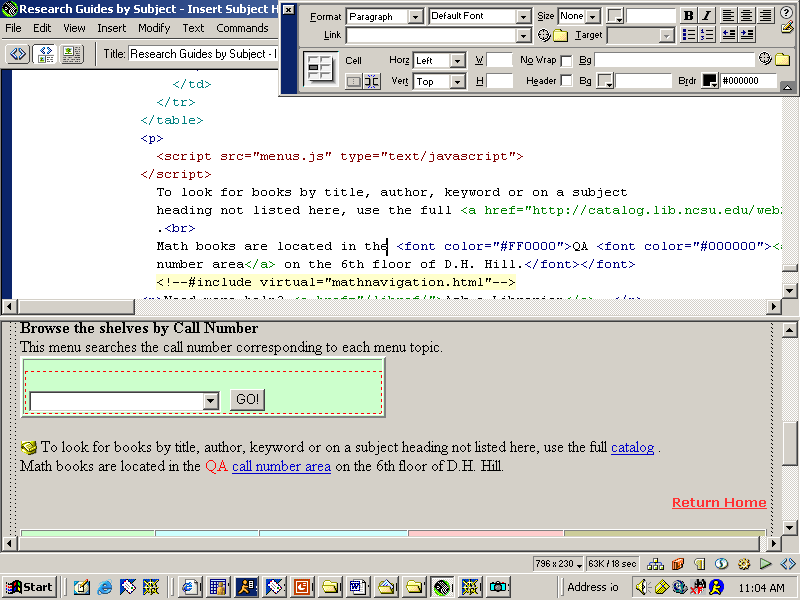
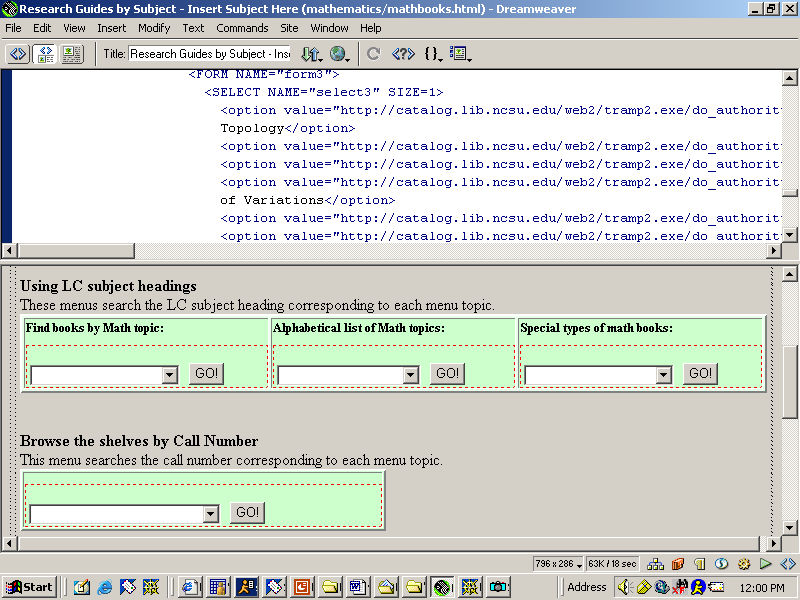
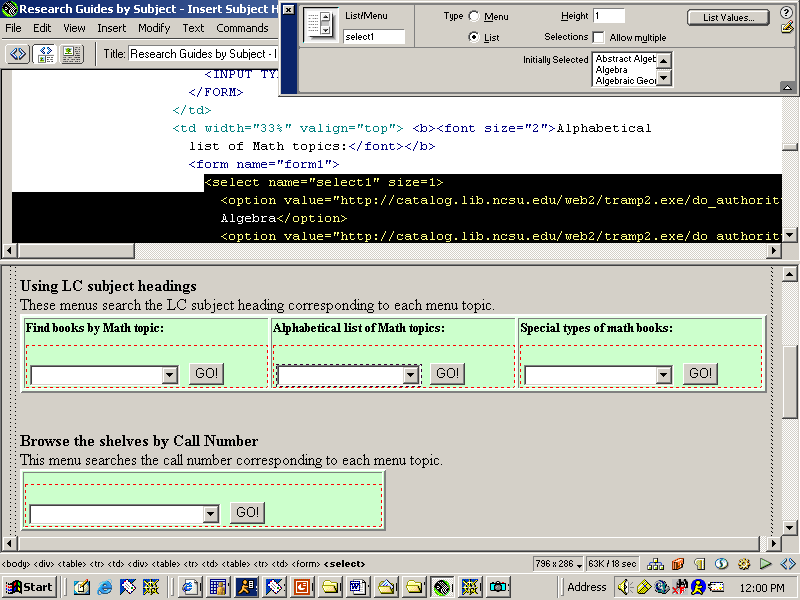
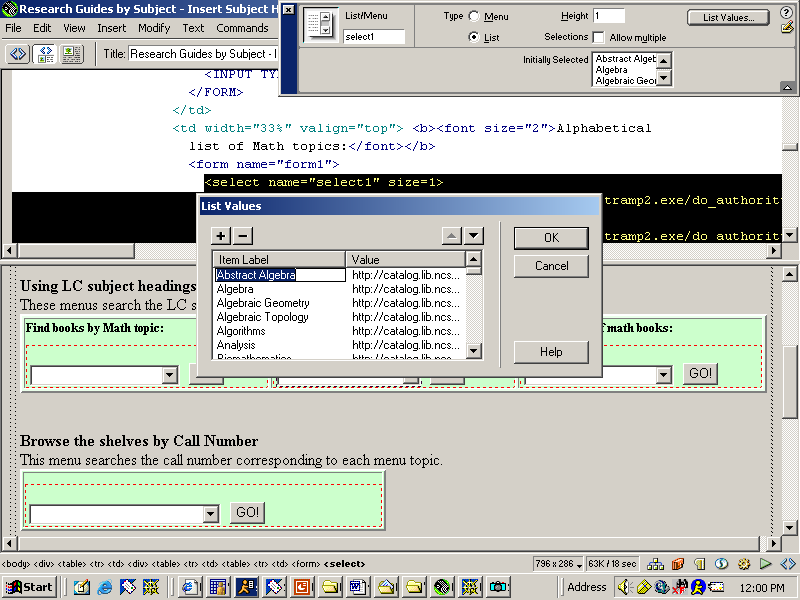
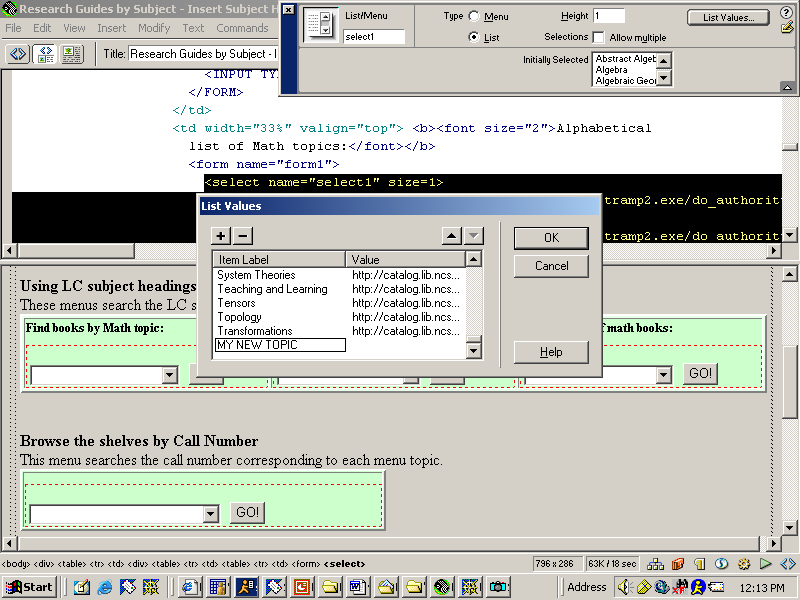
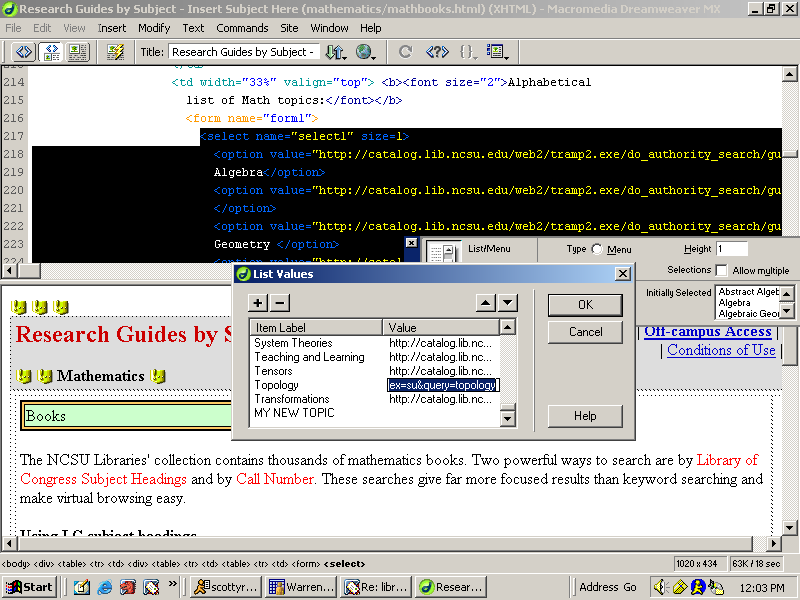
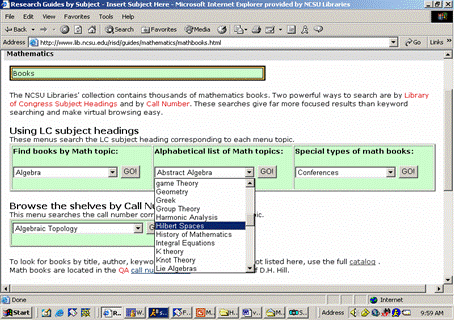
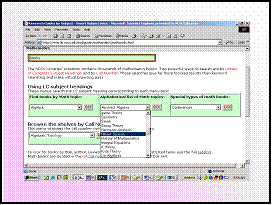
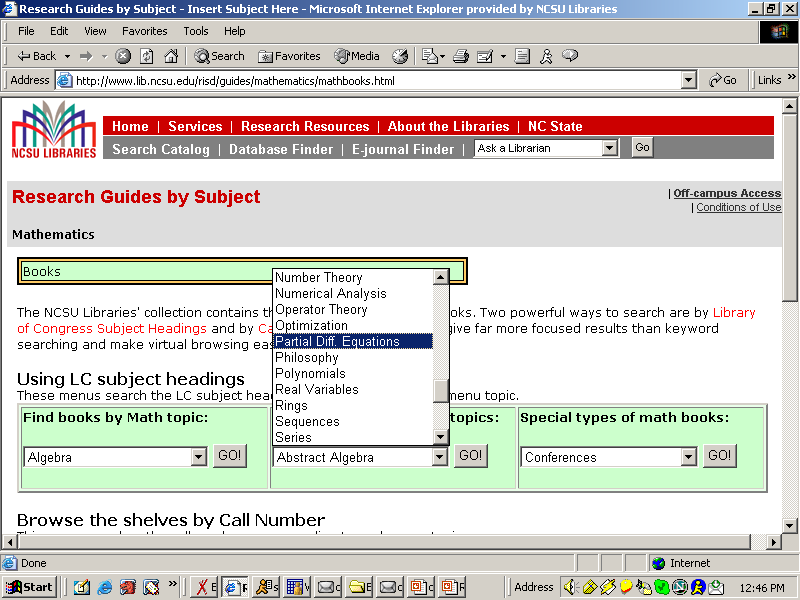
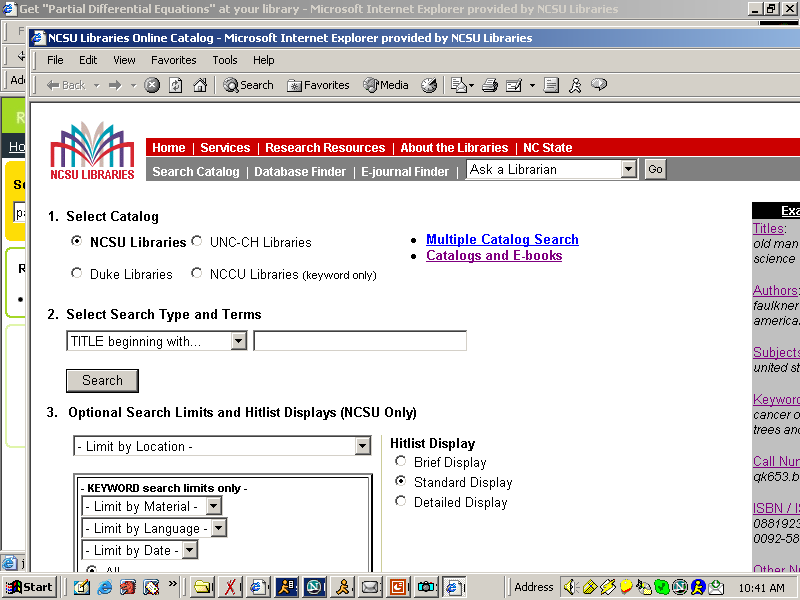
- Javascript makes creating menus easy
- Forms make the dropdown menus
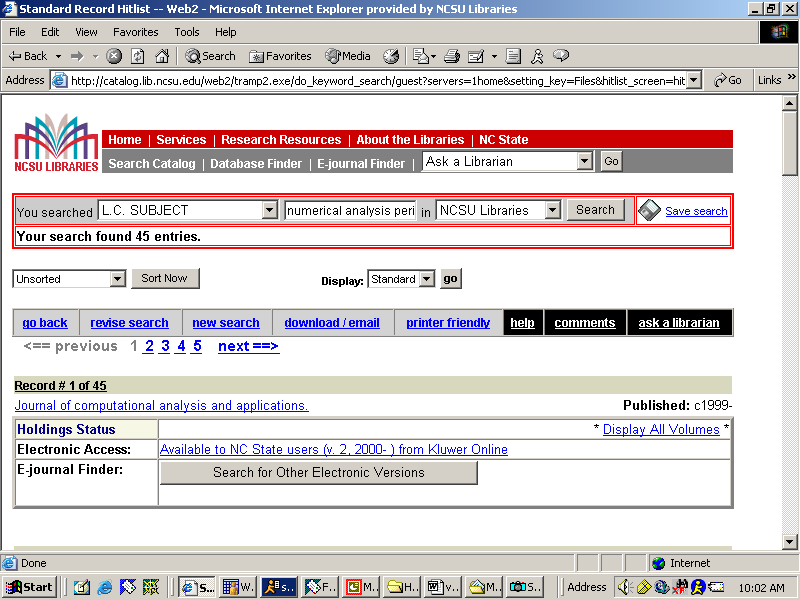
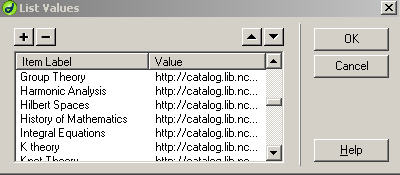
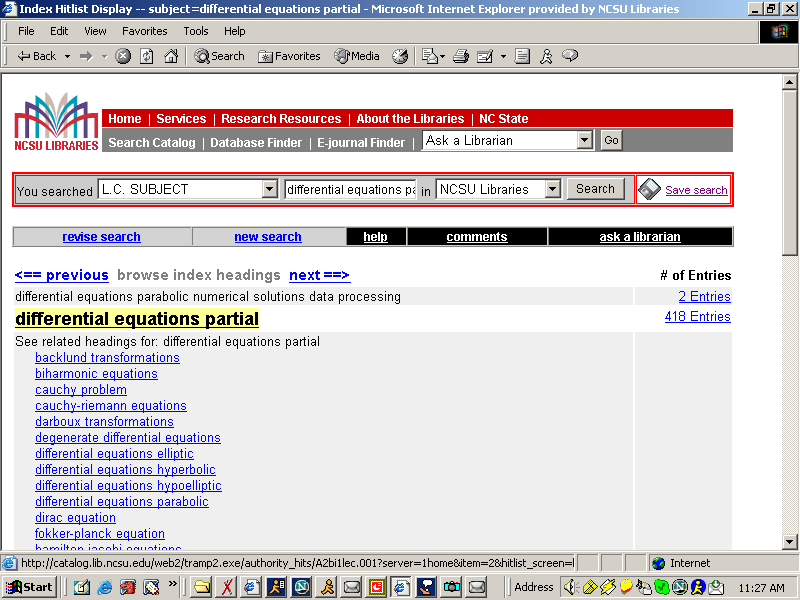
- Search syntax complex, but easily edited
- Very little coding is required
|
|
22
|
|
|
23
|
|
|
24
|
|
|
25
|
|
|
26
|
|
|
27
|
|
|
28
|
|
|
29
|
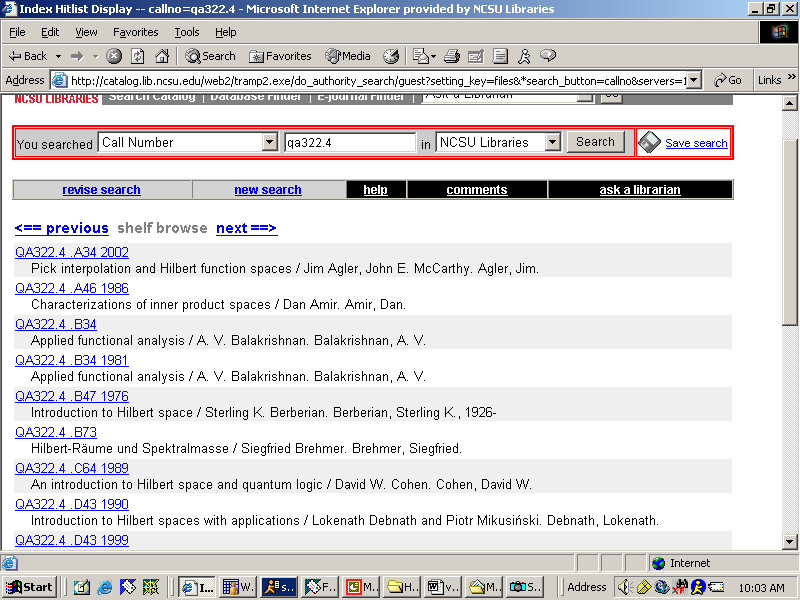
- Dynamic content
- No updating necessary as collection changes
- Easy editing/No large scale systems maintenance
- Opens up print collection
- Uses power of LCSH and call numbers
|
|
30
|
- Idiosyncratic
- One at a time production
- Not comprehensive across collection
- Relies on creating web page for each new implementation
- Doesn’t scale well in this production mode
- Buried by library’s site architecture
|
|
31
|
- Similarities
- Based on LC classification schedules
- Uses data that already exists
- No changing of individual catalog records
- Maintenance does not require systems help
- Focus on collection at hand
|
|
32
|
|
|
33
|
|
|
34
|
|
|
35
|
|
|
36
|
- Differences
- Mine not global in scope
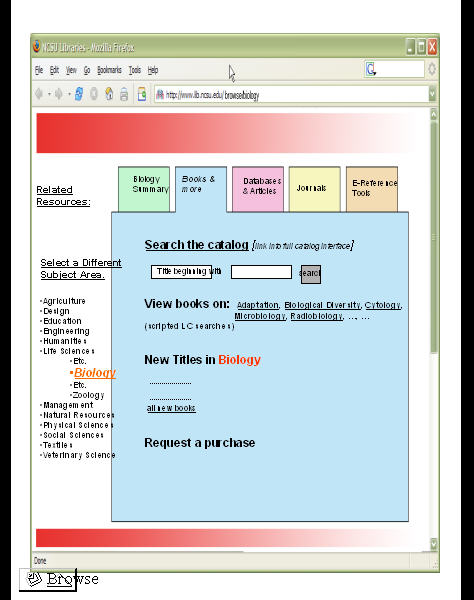
- Mine placed at point of need/Grassroots solution
- ‘Tertiary’ level browsing
- Michigan maps topics to multiple call # ranges
- I map LCSH/LC#s to topics 1-to-1
- Based on both LC # and LCSH
- No MySQL, perl, or php
|
|
37
|
|
|
38
|
|
|
39
|
|
|
40
|
|
|
41
|
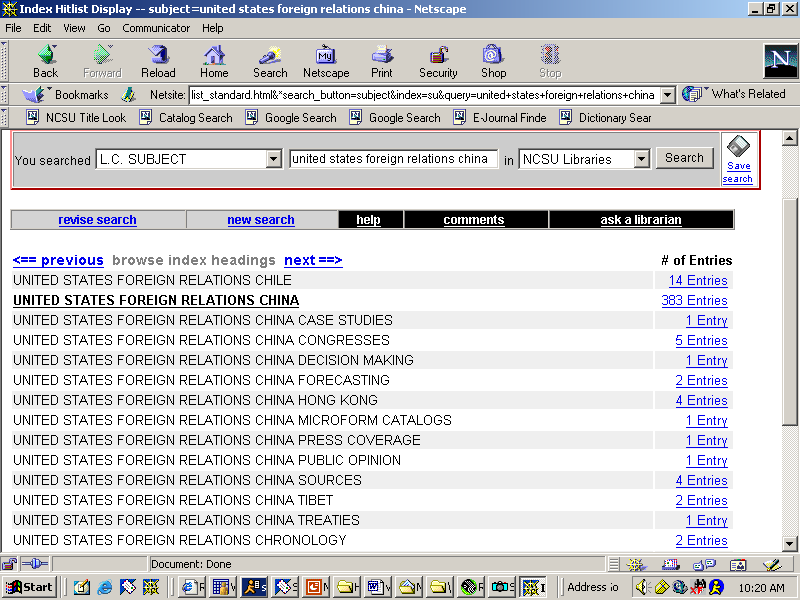
- Could LCSH terms/call #s be ‘selected’ or ‘harvested’?
- Search URL generated with correct LCSH appended
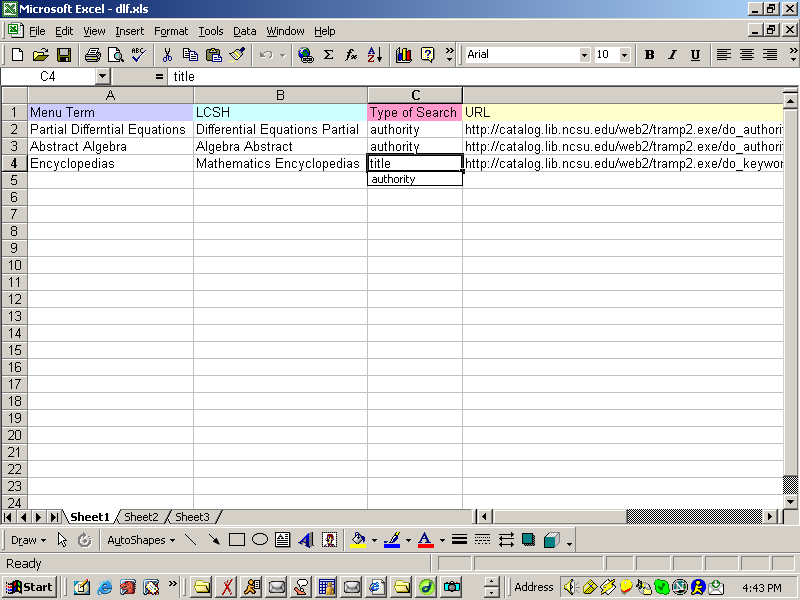
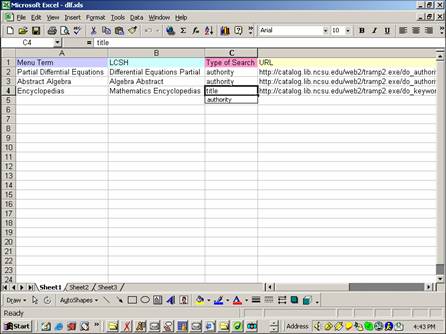
- LCSH and URL added to a table/spreadsheet where subject specialist
creates menu term
- Table is mapped to menu on public page. Form already created.
|
|
42
|
|
|
43
|
|
|
44
|
|
|
45
|
|
|
46
|
- Even within an LCSH, there is location ‘drift’
- One primary LC #, but many others too
- LCSH ‘differential equations
partial’
- QA377 (main #)
- QC20.7
- QA3
- TA418
- TA347
- QA1
- QC157
- QA11.2
|
|
47
|
- Not sorting the actual titles by call #
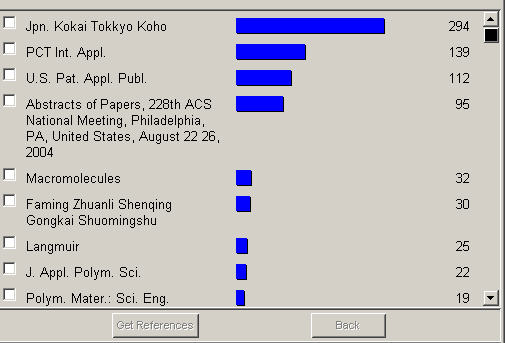
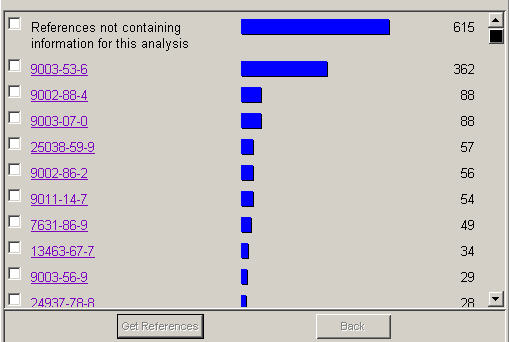
- But producing distributions
- top 3-5 call number ‘areas’ for
browsing
- Histogram??
- SciFinder Scholar, Web of Science
|
|
48
|
|
|
49
|
|
|
50
|
|
|
51
|
|
|
52
|
|
|
53
|
|
|
54
|
|
|
55
|
- Dynamic content
- No updating necessary as collection changes
- Easy editing/No large scale systems maintenance
- Opens up print collection
- Uses power of LCSH and call numbers
|
|
56
|
- Scott Warren
- Scott_warren@ncsu.edu (email)
- Scottyref (AIM)
- 919-513-0303
- http://www.lib.ncsu.edu/risd/staff/warren
|

 Notes
Notes